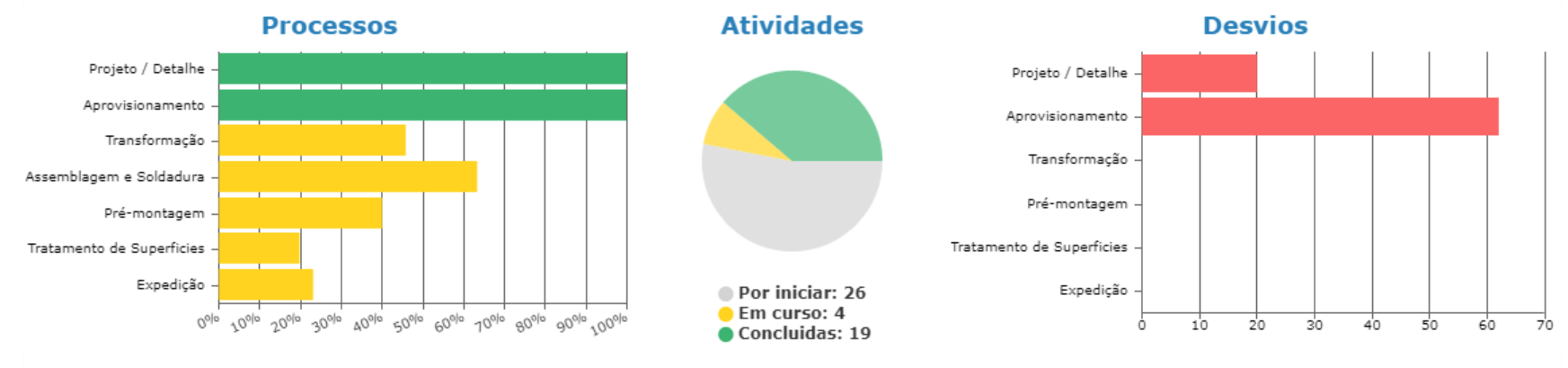
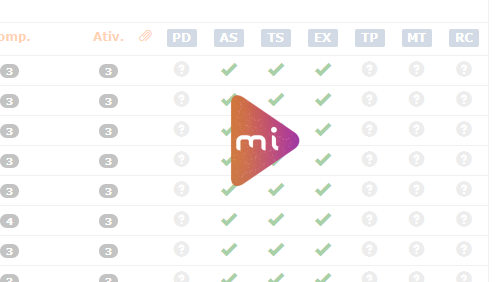
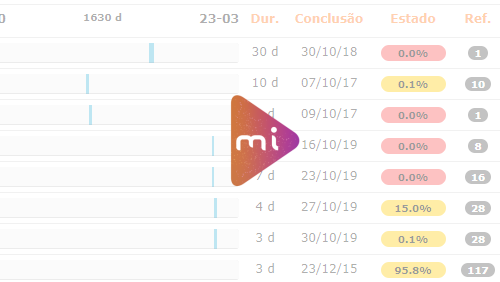
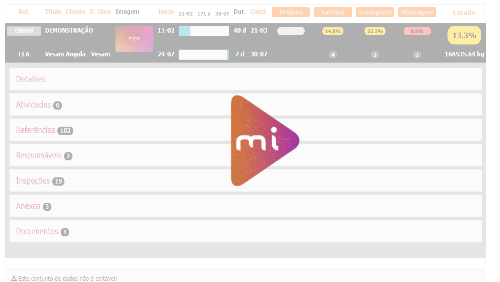
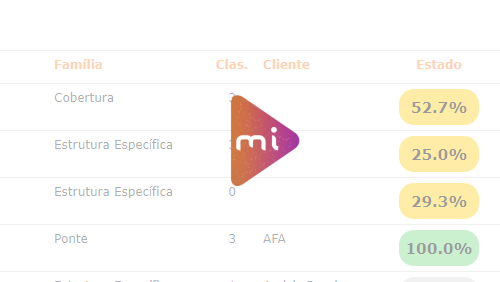
Quantity and status of execution of job activities.
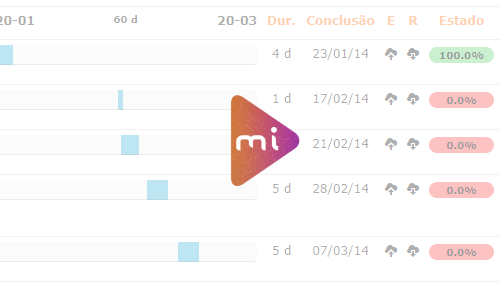
Temporal deviation in job processes.
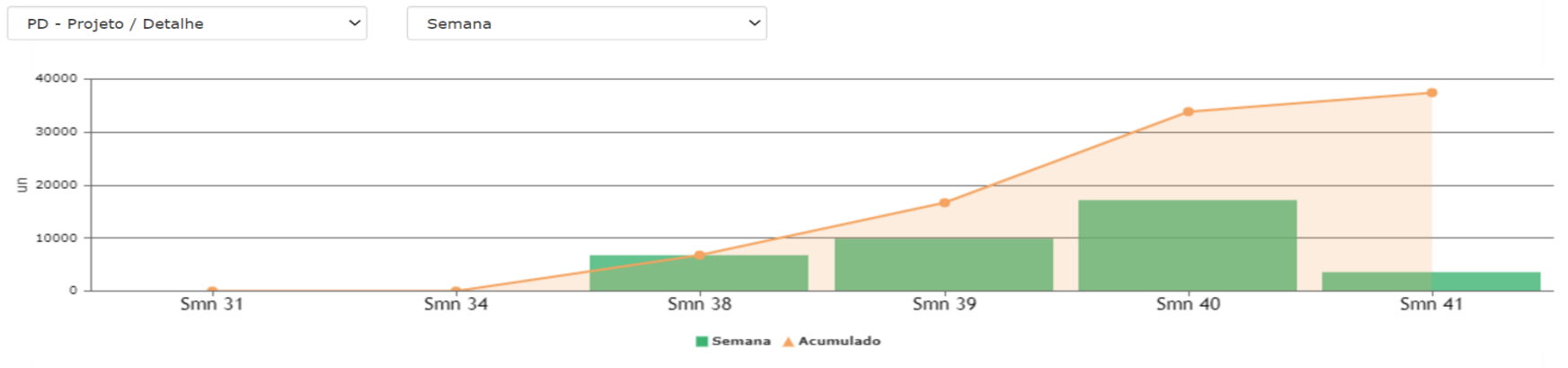
Evolution
Evolution of work performed over time.
Possibility of selection of the job.
Possibility of selecting the temporal metric.
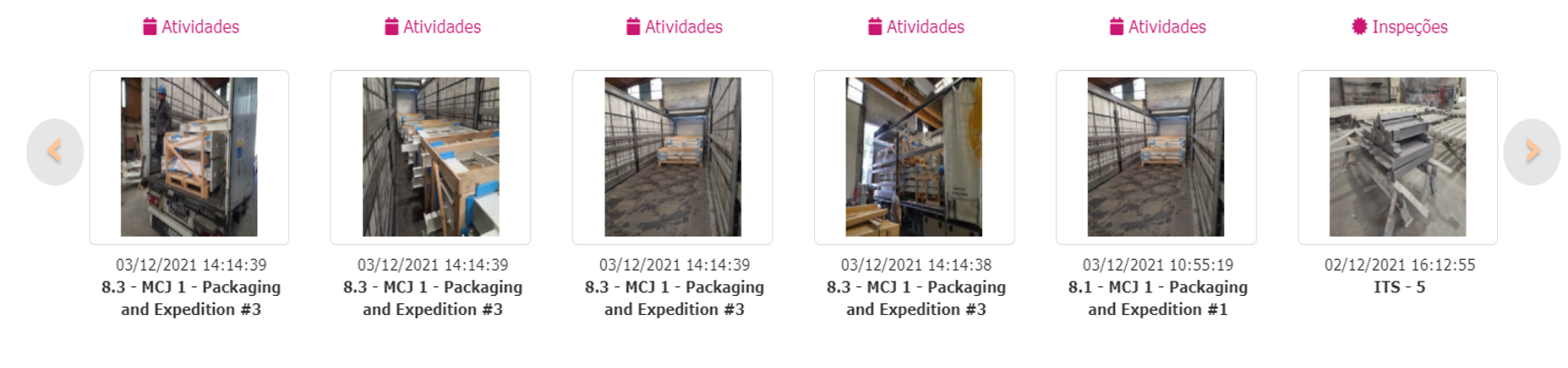
Images
Latest images uploaded to the job.
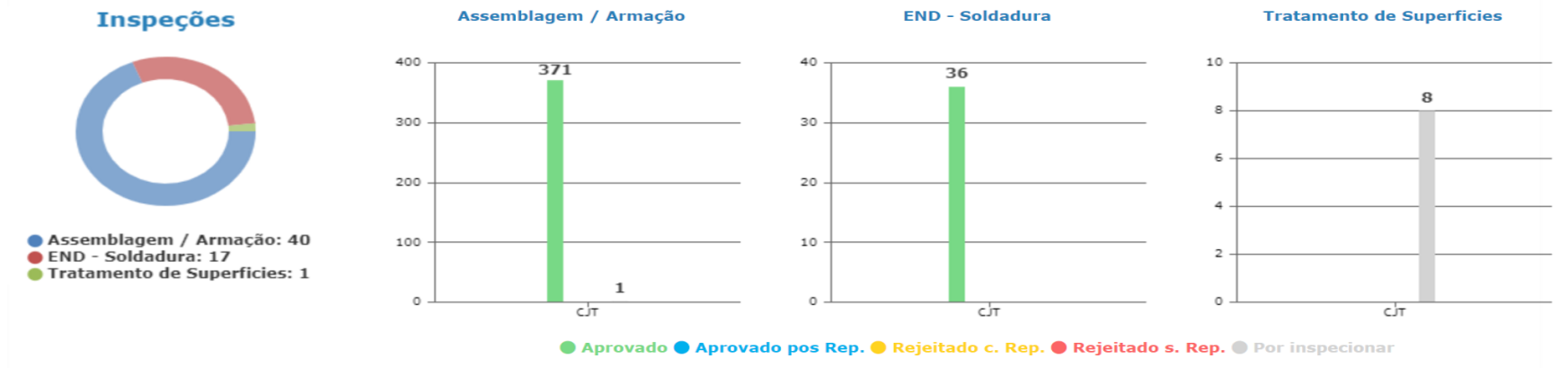
Quality
Information on quality inspections carried out on site.
Number of inspections by inspection type.
Distribution by reference type and inspection status.
Warning
Create new entity
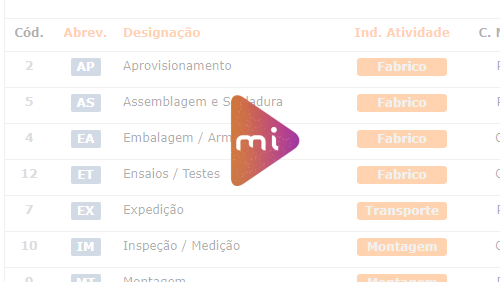
Select the corresponding processes correctly!
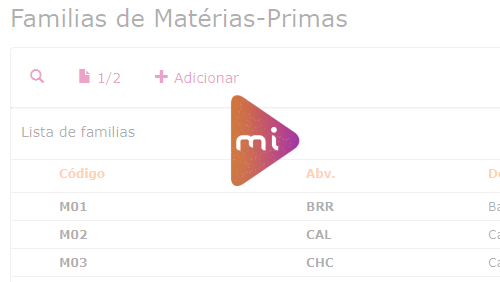
Create a new family
Add a new group to job
Select correctly the type of material accepted in the group!
Create a new material
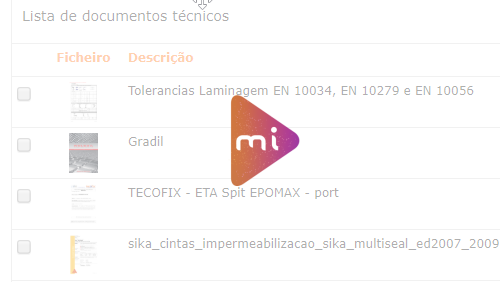
Create new job document
Warning
References that are already running have been revised. How to proceed?
1. You can continue the execution normally, canceling the old reference 2. You can stop the time only for the references that have been revised, executing the same but only until this moment 3. You can set the number of references that were revised to zero so that it is not counted
The new reference must be executed in a new execution
IFC file for 3D model
There are executions in progress
Summary of changes made
Choose the references you want to insert in the running execution
Changes made successfully!
There are no changes to make!
Error making changes!
Summary of changes made
The selected sets will be deleted after closing this window
Do you also want to delete the composition of sets?
Change activities of deleted references
Operation completed successfully
Change activities of deleted references
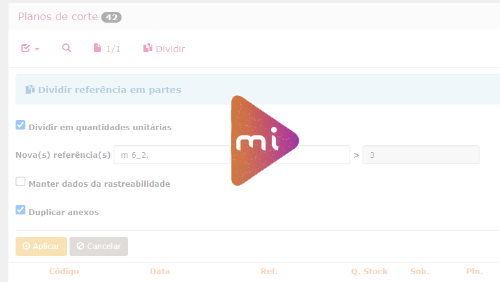
New quantities have been added to the reference that are not planned. Do you want to be redirected to planning?
References are found in cutting plans, it is necessary to adjust quantities or add new cutting plan
Choose where to send the email with access credentials
Heading glossary
Numbering - Nest. : cutting plane numbering
Designation - Nest. : designation to be given to the cutting plane
Length - Nest. : cutting plane length
Width - Nest. : cutting plane width
Quantity - Nest. : amount of cutting plane repetition
Designation - Refª : reference nomenclature (must be the same as that existing in the software)
Quantity - Refª : number of times the reference is repeated in the cutting plane
Designation - Nest. + Refª : designation of the cutting plane and nomenclature of the reference in the same column
Quantity - Nest. + Refª : amount of repetition of the cutting plane and reference repetition in the same column
Mandatory headers for importing plates
Point information: 1 • 3 • 4 • 5 • 6 • 7
› instead of point 6 it could be 8
› instead of points 5 and 7 it could be 9
Required headers for profile import
Point information: 1 • 3 • 5 • 6 • 7
› instead of point 6 it could be 8
› instead of points 5 and 7 it could be 9
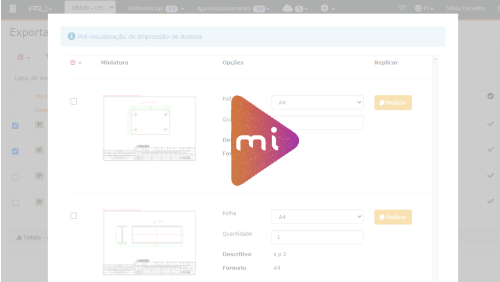
Print preview of labels
The entity already exists, do you want to associate it?
VAT Code
Name
Title
Hours Management
Miscellaneous
Horas de Projeto
Diverso com quantidade prevista (= horas previstas)
Entidade obrigatória no diverso
Flag hora extra opcional (horas extra face ao previsto)
Atividade processo "Projeto e Detalhe"
Atividade privada
Horas de Fabrico
Diverso com quantidade prevista (= horas previstas)
Entidade obrigatória no diverso
Flag hora extra opcional (horas extra face ao previsto)
Atividade processo "Inspeção Qualidade"
Atividade privada opcional
Planning
Alocar Diversos aos colaboradores do Departamento de Projeto/Fabrico da VESAM
Possível planear semana completa até às 3 próximas semanas
Diverso com quantidade prevista disponível
Quantidade Disponível = Quantidade prevista - Quantidade já alocada + Quantidade já ocupada
Colaborador a associar obrigatório
Utilização - sistema
Arrastar Diversos na tabela da semana
Slot com quantidade 0 na tabela semana é eliminada antes de gravação
Botão reset na semana atual (limpa slots editadas sem gravação posterior)
Botão apaga slots gravadas se estas não tiverem qualquer ocupação (fundo verde).
Botão grava slots editadas na semana atual (se slot já tem ocupação apenas grava quantidade editada)
Botão grava e emite dados das slots arrastadas da semana atual para o MNF
Week - Executions
Ocupar Diversos registando as quantidades (horas) ocupadas pelo colaborador do Departamento de Projeto/Fabrico da VESAM
Possível ocupar/editar dias até ao dia atual
Slot com quantidade alocada ao colaborador
Quantidade Disponível = Quantidade prevista - Quantidade já alocada + Quantidade já ocupada
Utilização - sistema
Arrastar Diversos na tabela da semana (considerando SLOTs como tempo não previsto mas ocupado)
Botão reset na semana atual (limpa slots editadas sem gravação posterior)
Botão apaga slots arrastadas diretamente como estra, em casos de SLOTS com alocação não apaga nada a não ser que tenha quantidade ocupada = 0 em que apaga a "ocupação".
Botão grava slots editadas na semana atual: se não editar a quantidade alocada grava ocupação = alocação, editando grava com a edição, SLOTS extra grava naturalmente, se a quantidade = 0 nas SLOTS extra apaga a SLOT especifica.
Print preview of labels
FAQ - EDIÇÃO DE EXECUÇÕES
As execuções validadas não podem ser alteradas!
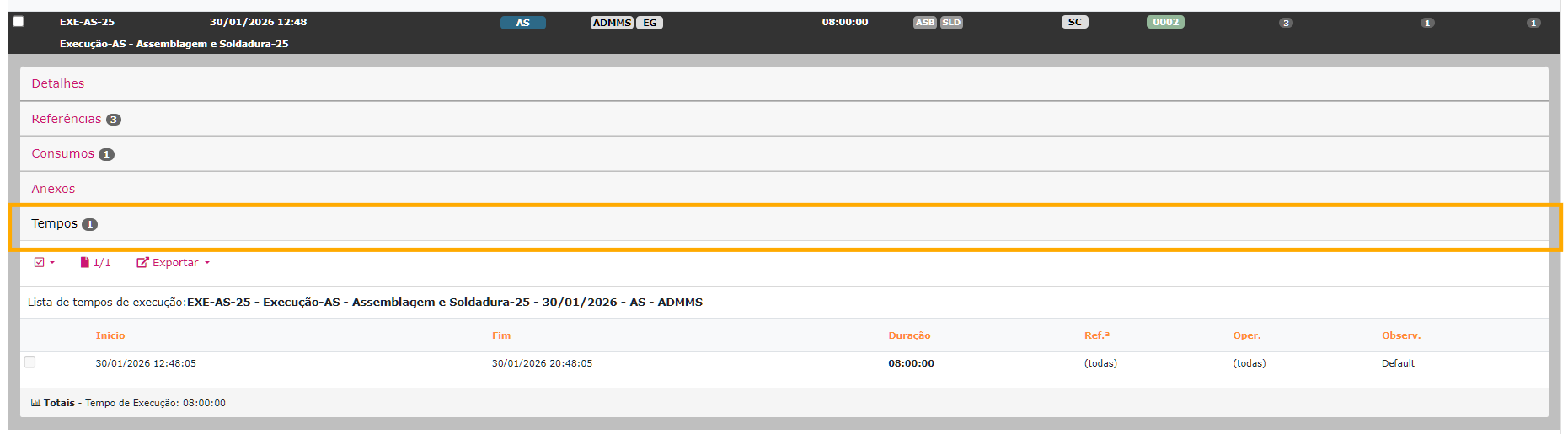
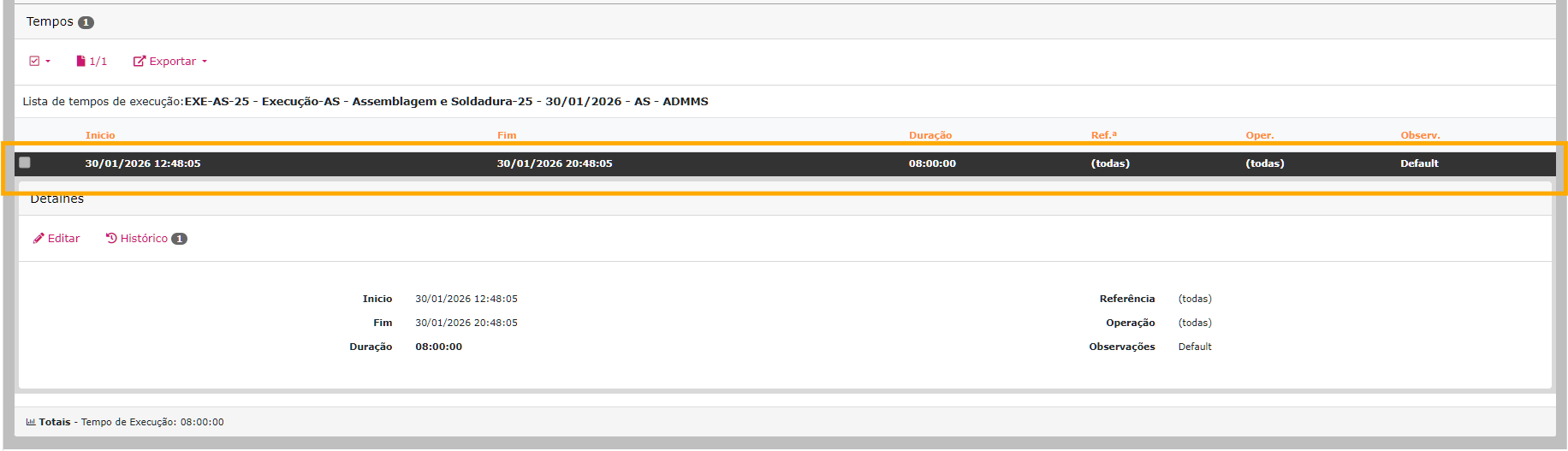
Editar Tempos
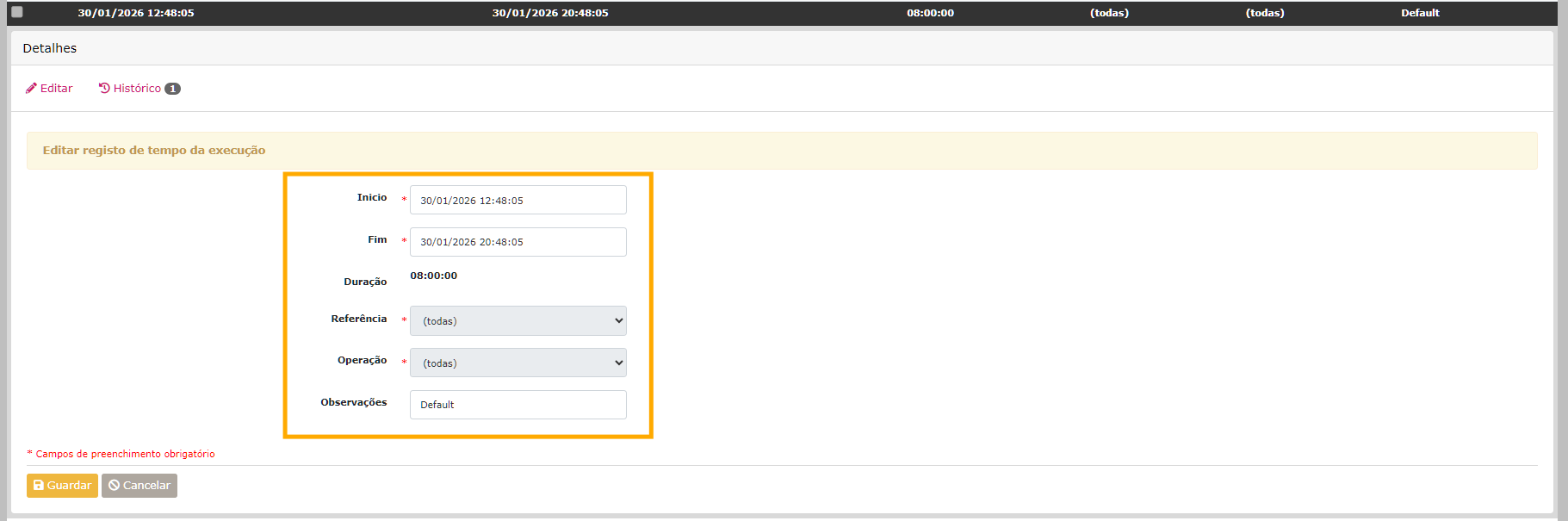
Possibilita a edição dos tempos de ínicio e de fim da execução.
(A duração é calculada automaticamente)
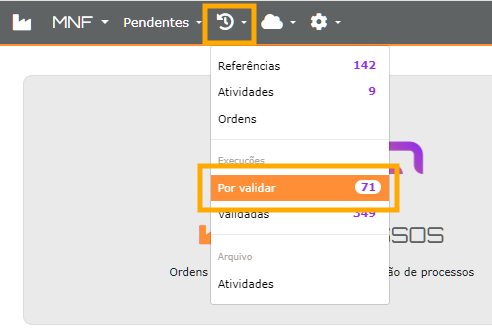
1 - Ir ao menu Histórico → Execuções por validar
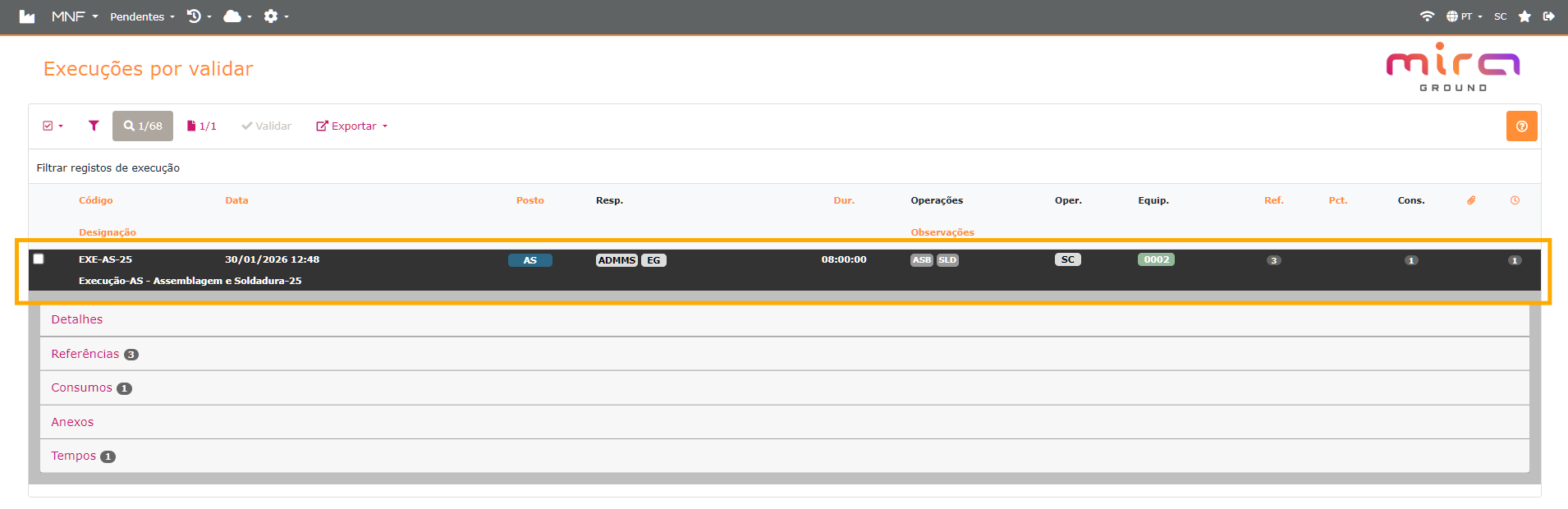
2 - Escolher a execução a editar
3 - Selecionar o separador Tempos
4 - Clicar na linha de tempo a alterar
5 - Clicar no botão Editar
6 - Alterar os dados
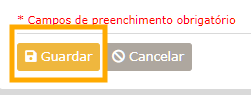
7 - Clicar no botão Guardar
Editar Data
Possibilita a edição da data de inicio de uma execução e de qualquer registo de tempo.
1 - Ir ao menu Histórico → Execuções por validar
2 - Escolher a execução a editar
3 - Selecionar o separador Tempos
4 - Clicar na linha de tempo a alterar
Se existir mais do que uma linha de registo de tempo
e for para alterar a data de inicio de toda a execução, deve ser alterada a primeira linha
de registo de tempo.
5 - Clicar no botão Editar
6 - Alterar os dados
7 - Clicar no botão Guardar
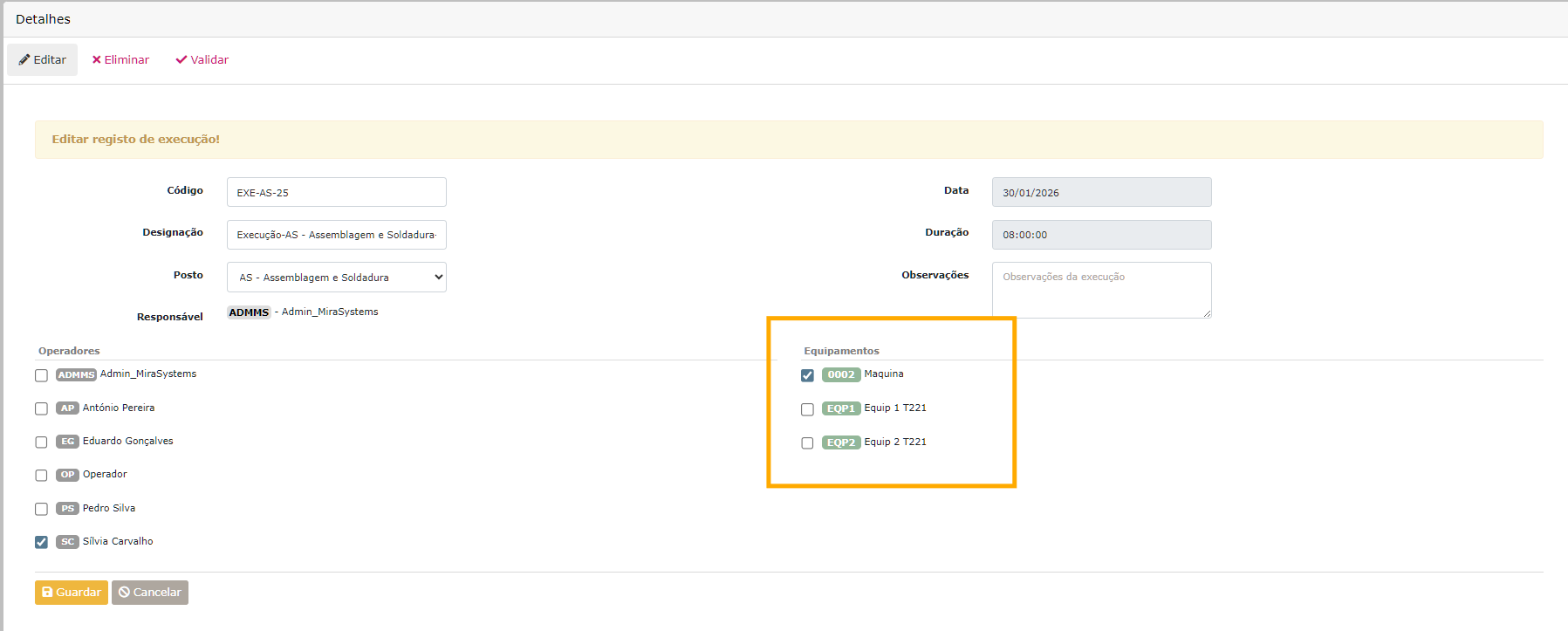
Editar Equipamentos
Possibilita a remoção e/ou adição dos equipamentos utilizados na execução.
Apenas será visivel os equipamentos afetos ao posto de operação em que a execução foi feita.
1 - Ir ao menu Histórico → Execuções por validar
2 - Escolher a execução a editar
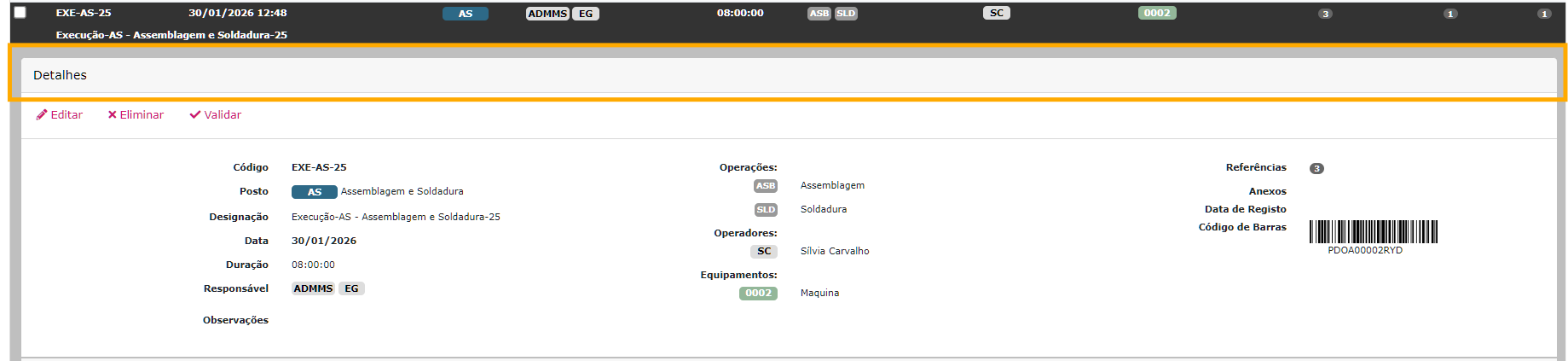
3 - Selecionar o separador Detalhes
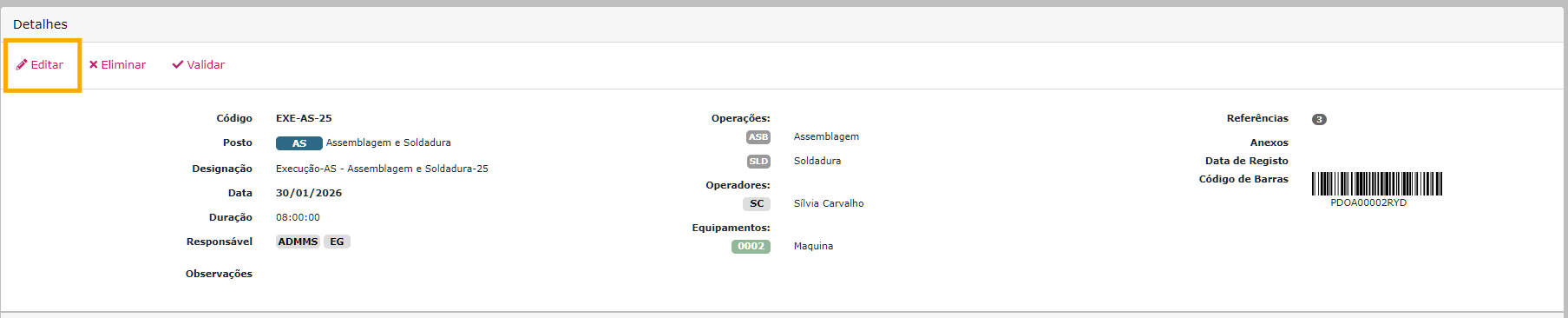
4 - Clicar no botão Editar
5 - Selecionar os equipamentos
6 - Clicar no botão Guardar
Editar Referências
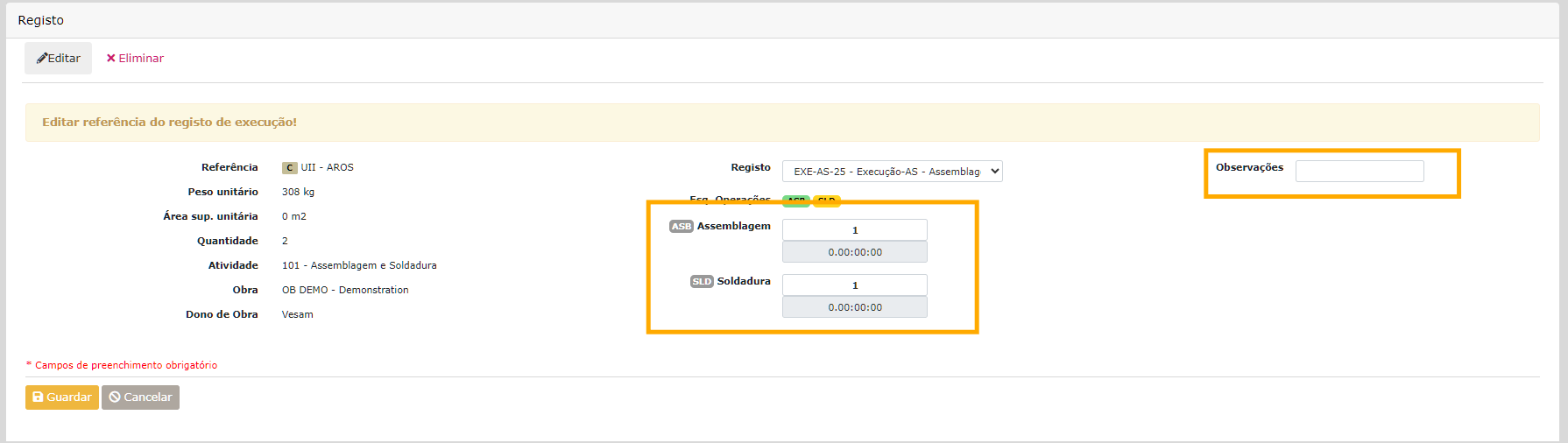
Possibilita a edição das quantidades executadas da referência em cada operação da execução.
1 - Ir ao menu Histórico → Execuções por validar
2 - Escolher a execução a editar
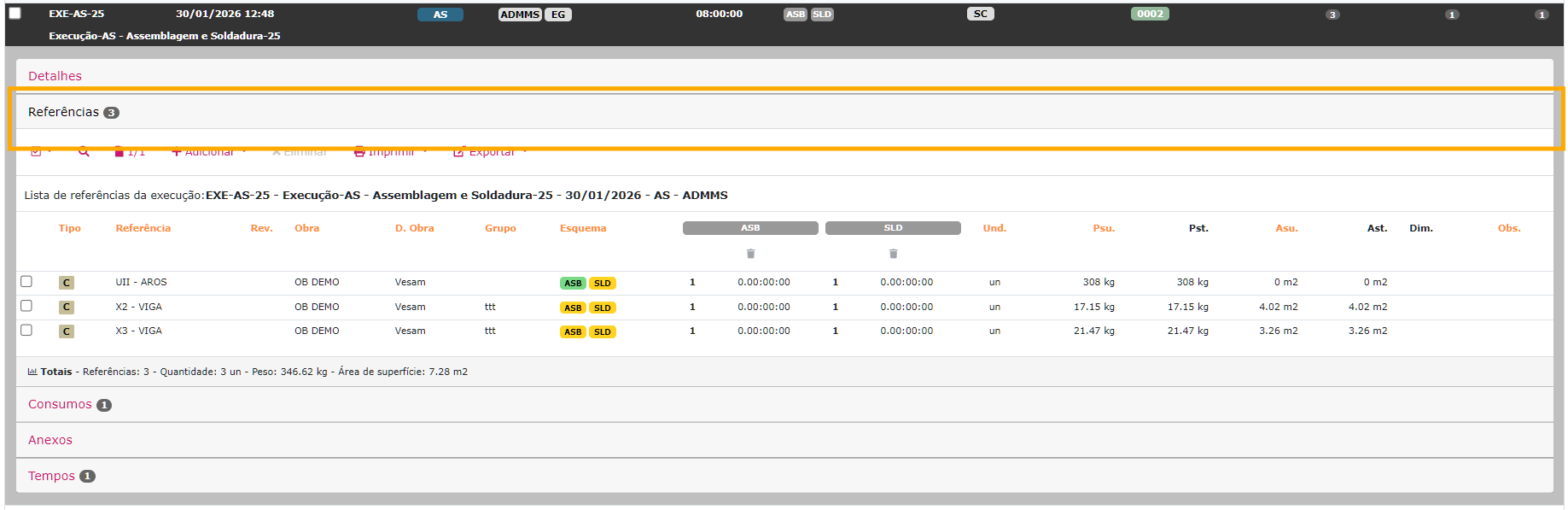
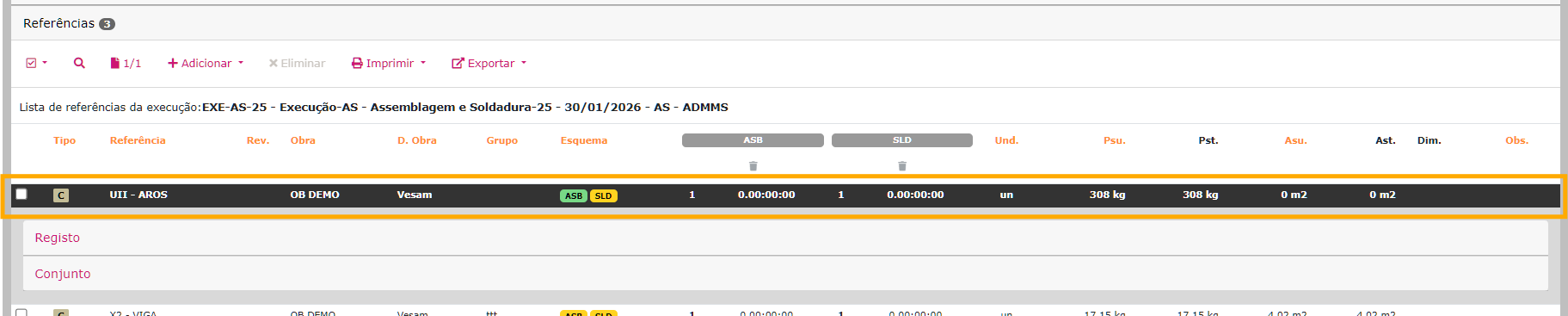
3 - Selecionar o separador Referências
4 - Clicar na referência a alterar
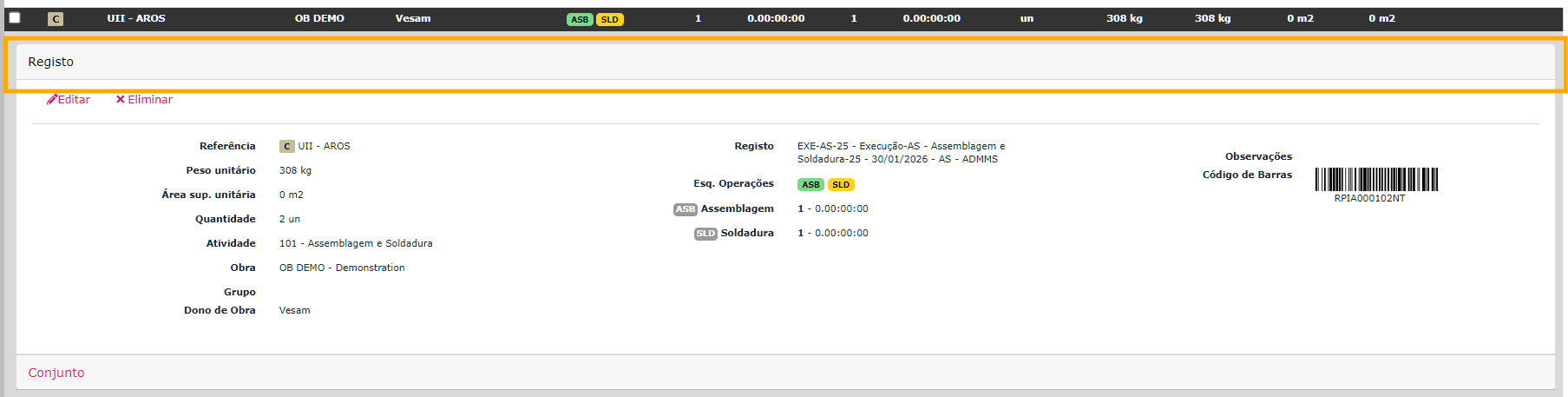
5 - Clicar no separador Registo
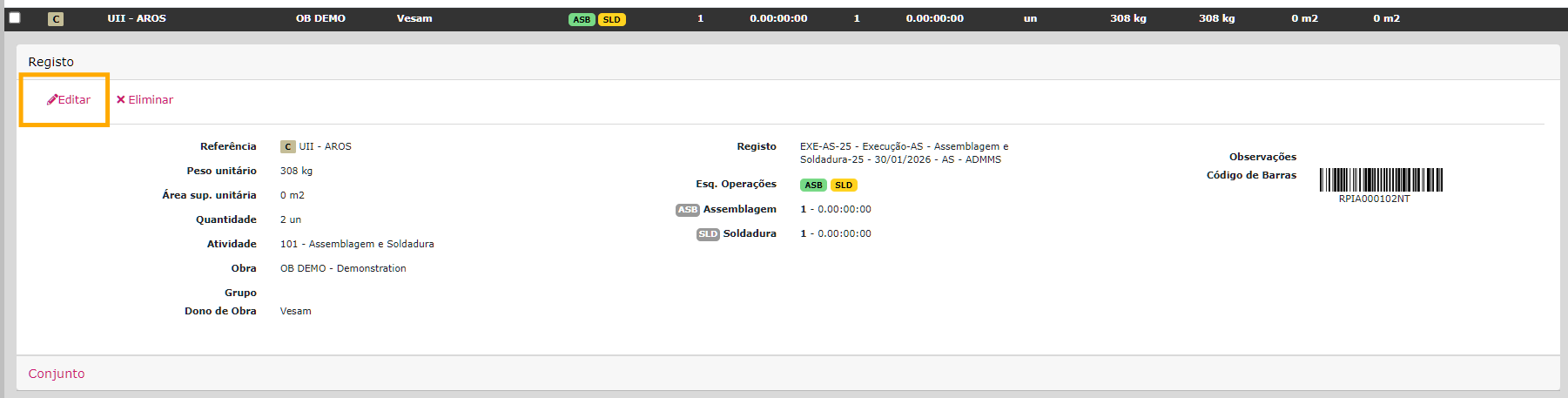
6 - Clicar no botão Editar
7 - Alterar os dados
8 - Clicar no botão Guardar
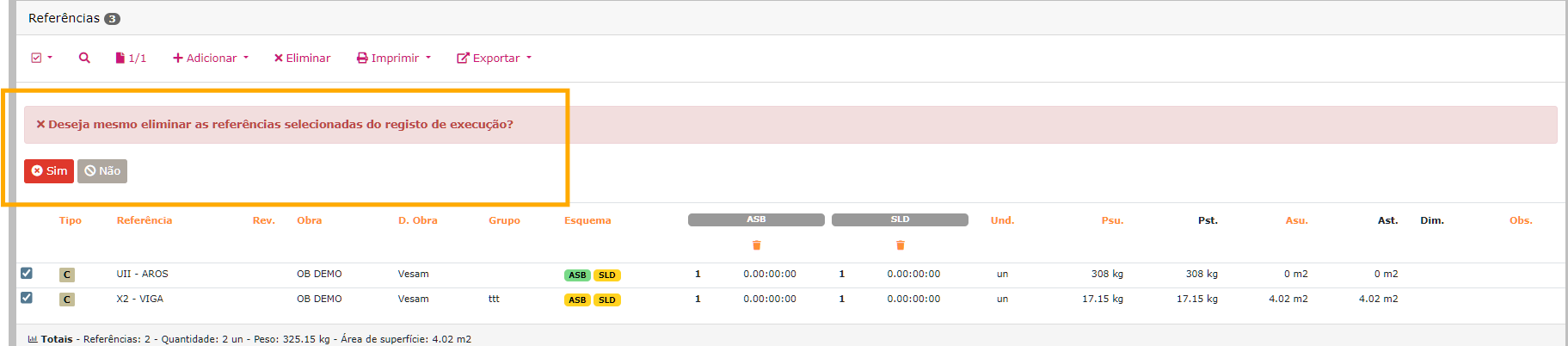
Remover Referências
Possibilita a remoção de referências da execução.
1 - Ir ao menu Histórico → Execuções por validar
2 - Escolher a execução a editar
3 - Selecionar o separador Referências
4 - Selecionar as referências
5 - Clicar no botão Eliminar
6 - Confirmar a eliminação
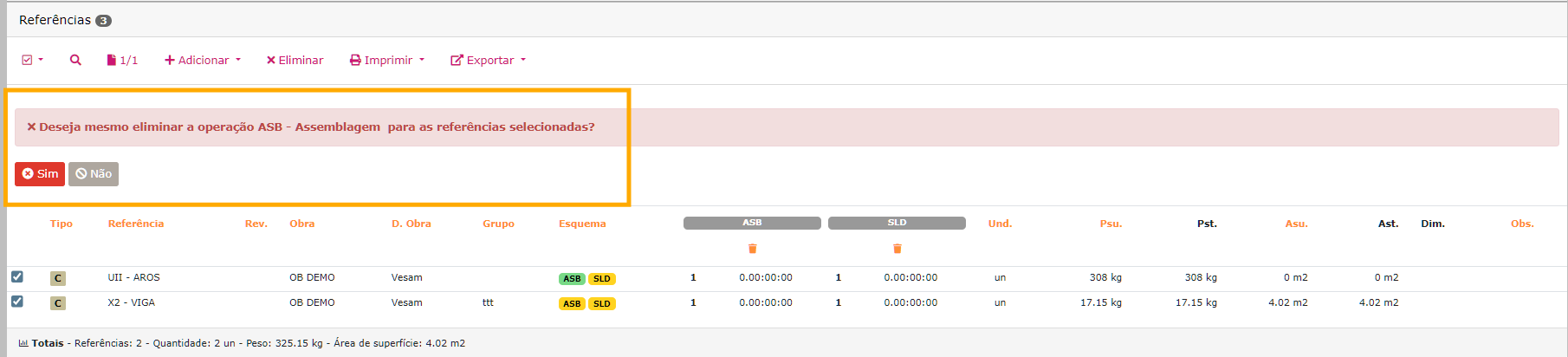
Editar Operações
Possibilita a remoção total da quantidade executada de uma operação em várias referências da execução.
1 - Ir ao menu Histórico → Execuções por validar
2 - Escolher a execução a editar
3 - Selecionar o separador Referências
4 - Selecionar as referências
5 - Clicar no botão Caixote do lixo em baixo da operação a eliminar
6 - Confirmar a eliminação
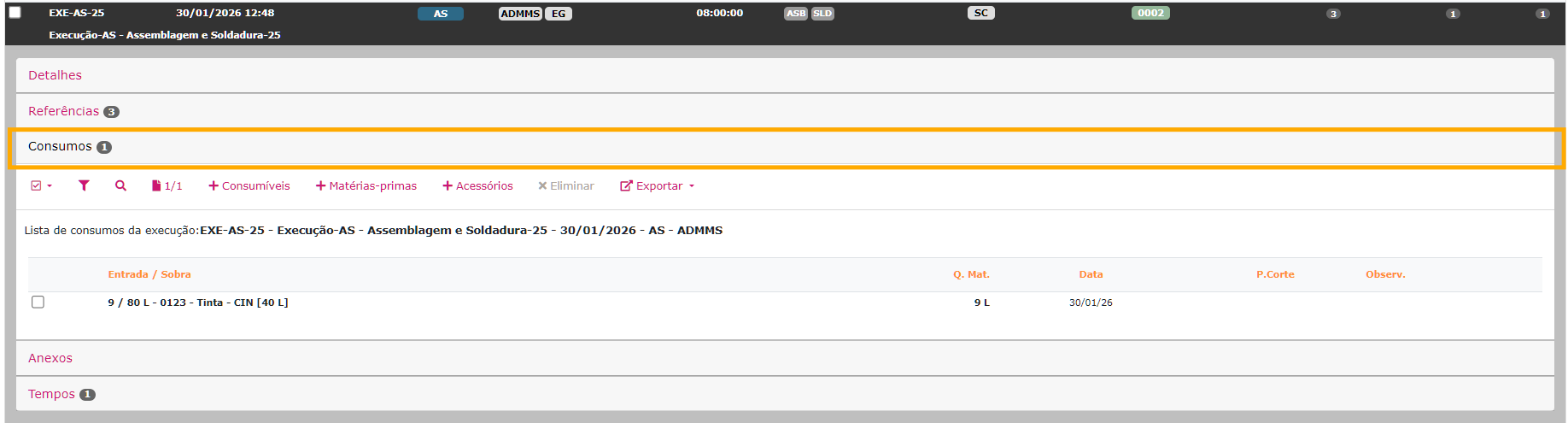
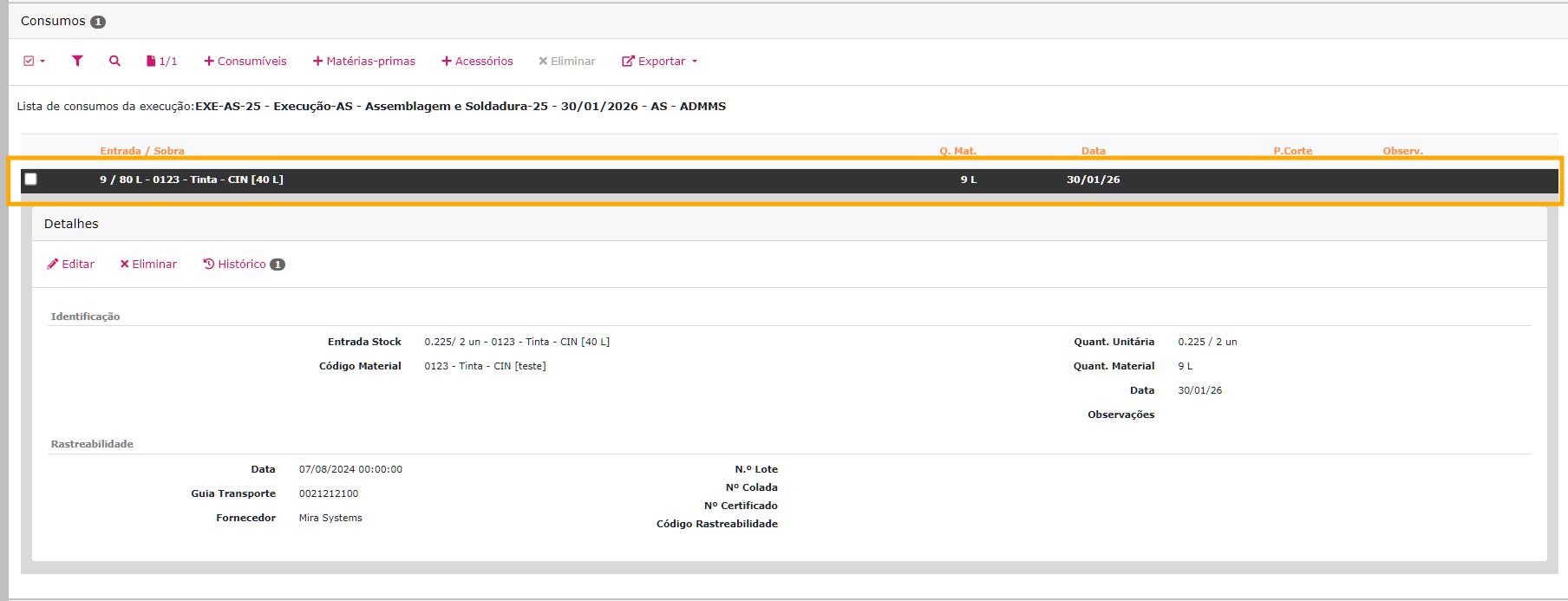
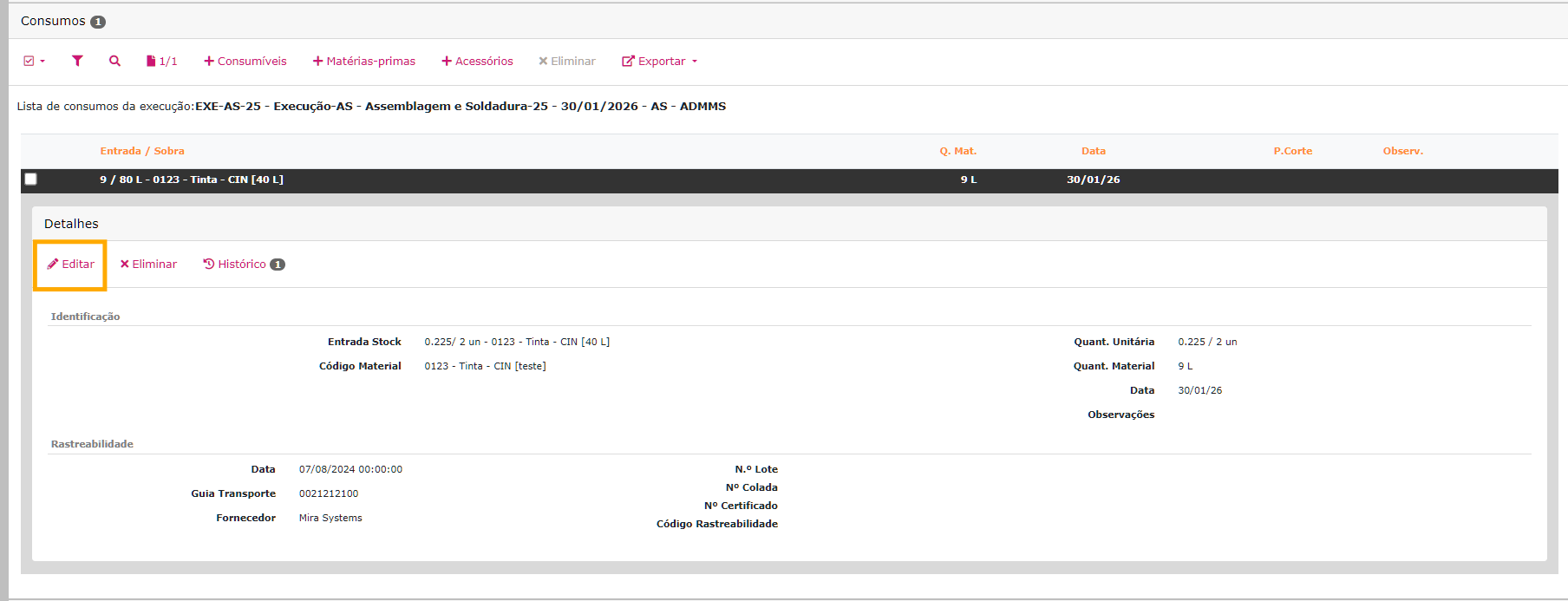
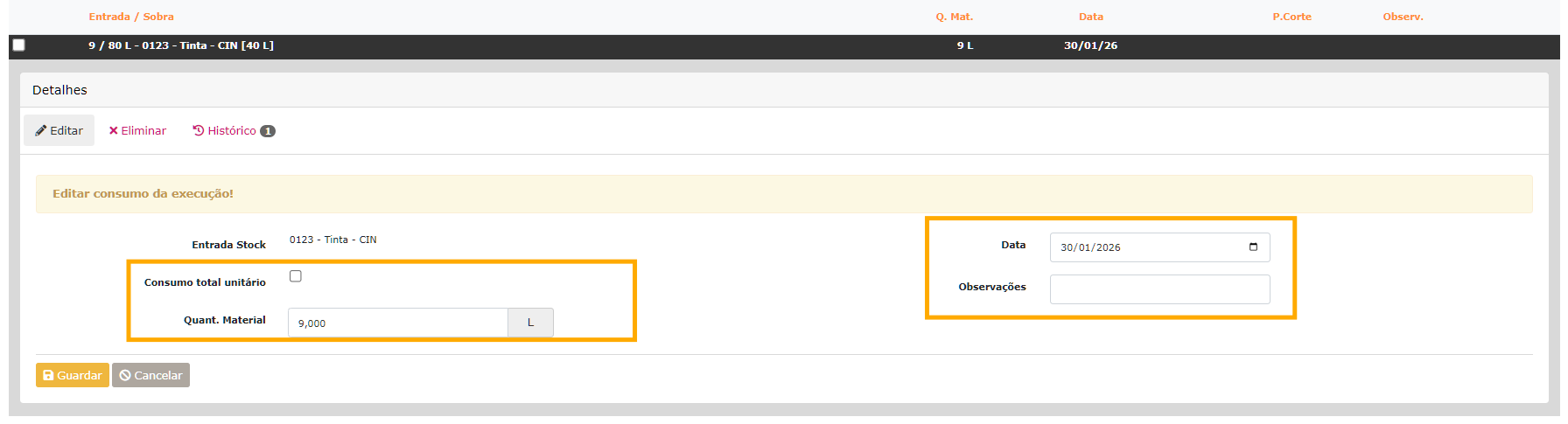
Editar Consumos
Possibilita a edição dos consumos efetuados na execução.
Este separador só irá aparecer se existirem consumos feitos na execução.